AI in product design, with people making every decision
Our designers now hand the legwork of a product review to AI. It walks through your live product, sorts what it finds and drafts corrections, and a designer judges each result before the next step starts.
A small team sees more of your product before anyone changes it, so you choose between more options with more of the picture in view. People decide what the results mean.
We call this AI-native Product Design. The glossary defines the term.
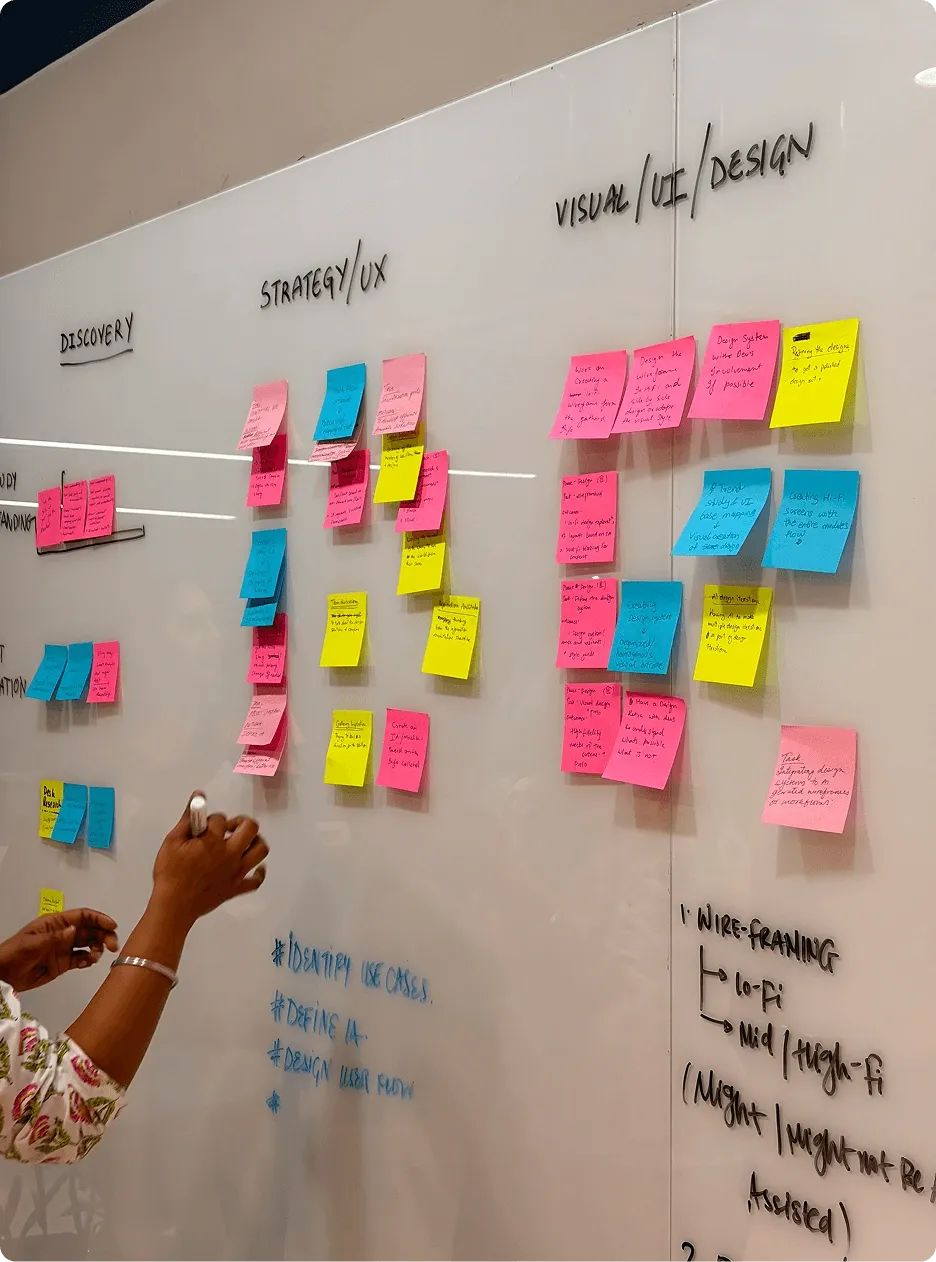
A typical AI-assisted design run, step by step
Here is a run our designers use when the screens of a live product have drifted away from its design system. At each step, AI does the legwork and a person checks the result.
| Step | What AI does | What a person checks | What the designer can do next |
|---|---|---|---|
| 1. Capture the live product | Walks through the product in a browser and saves each screen in every state it reaches: empty, loading, error and full | That the walk covered the roles and journeys that matter, adding any it missed | Work from the product your customers see today |
| 2. Sort into patterns | Groups the captures by pattern: every table, form, filter and confirmation | Which groups are one pattern and which only look alike | See every version of a pattern side by side |
| 3. Compare with the design system | Checks each pattern against the design system's components and rules | Which differences are deliberate and which are drift | Separate the variations to keep from the ones to fix |
| 4. List the exceptions | Drafts a list of exceptions, each with the screens where it appears | Which exceptions harm users most, and whether to fix each one, keep it or add it to the system | Bring you a short, ranked list with the screens attached |
| 5. Propose and test a coded correction | Drafts the correction in code and runs the design-system and accessibility checks agreed for the project | A design engineer reads the code and tries it in the browser | Judge the fix working in the product's own states |
| 6. Designer sign-off | Reruns the checks on the final version | The senior designer approves, revises or rejects the change | Hand your engineers a change ready for their own review |
Code handed over for release still goes through the reviews and tests your project has agreed. The same split, AI on the repetitive work and a person on each judgement, runs through the rest of our work.
How designers use AI in research, options and production
| What you get | How AI helps the designer get there |
|---|---|
| Findings you can trace to what users and your team said | Interviews, notes and documents are transcribed, sorted and kept searchable |
| More options to click through before you commit to one | Alternatives and small working prototypes are put together from the designer's brief |
| Design that stays close to the working software | Well-defined, repetitive production tasks go to tools, and people check the results |
The mix changes with the project and with your rules.
Which design decisions stay with people, and how AI work is checked
What stays with a person.
Designers frame the problem, choose the direction and decide what goes into the design. Taste, domain knowledge, disagreements in your team and anything with real consequences for your users stay with a person.
What goes to software.
We hand a task to software when the goal is clear and the result can be checked. The tool gets the same project material a designer would use, organised so the right part reaches each task.
How results are checked.
We check results in the way their task needs. Some checks run against your design system, accessibility standards or business rules. A designer reviews wherever no automatic check can answer.
When we accept a result.
A generated screen is accepted when it passes those checks. A comparison becomes a finding when a designer understands it. Code handed over for release goes through the reviews and tests the project has agreed.
Senior designers with AI tools: who leads and when you review
A senior designer leads the project, supported by an account lead. You review at the points agreed at the start. AI changes how much ground the team covers, and the senior designer still decides what goes forward.
AI runs through how our studio works. On your project, you decide how far it reaches: some clients want it used widely, others limit it to tasks that never touch their data.
We try out new ways of working in our Future Interfaces Lab, away from client projects. One Lab experiment asks how far AI can help with a first-pass design review.
Where AI-native product design goes next
Today, AI takes the legwork of a product review, a research sort or a first prototype. We can see the next step coming. We expect agents to keep a live product and its design system in step between releases, prototypes to be generated from a design system and a brief, and research to stay searchable for as long as a client's rules allow.
As that happens, our designers spend less time producing and more time deciding: what the product should be, which options deserve building and whether the result is good enough for your customers. That is the work this practice is built around.
Tell us your AI rules before the project starts
If your company limits which AI tools suppliers may use, or what material they may share with them, tell us first. We agree the tools and set-up with you and record any specific commitments in the agreement.
For data handling and procurement questions, see what happens to your material when we use AI tools.
Tell us about the product you want designed
Tell us what you are designing, fixing or rebuilding. If your company has rules about AI on supplier projects, mention them here.
Questions about AI in product design
How does Tcules use AI in product design?
Our designers use AI to walk through live products, compare screens with the design system and draft coded corrections. They also use it to sort research and build small prototypes. A person checks each result, and people decide what the results mean.
Does using AI make design work faster?
Yes, for the routine work. AI does it faster, so we either deliver more in the same time or put the time saved into more ambitious work: more of your live product reviewed, more options explored and harder ideas tested before you commit. People still make every decision. Each engagement is priced on its agreed scope before work starts.
Will AI replace product designers?
No. On our projects, AI takes well-defined tasks whose results can be checked, and designers keep the framing, the direction and the judgement about what is good. The role is moving towards directing that work, which puts more of a designer's attention on the parts of a product that need taste and care.
How do I check that a design studio uses AI responsibly?
Ask which tasks go to AI, how the results are checked, who signs off and what happens to your material. Our answer to the last one is on the page about what happens to your material when we use AI tools.