Free product design checklists that end in a brief
Six free product design checklists and worksheets, with no sign-up. Each takes one question, such as whether an AI feature is ready or why a component keeps drifting, and ends in a brief your team can act on. Pick the one that matches the question in front of you.
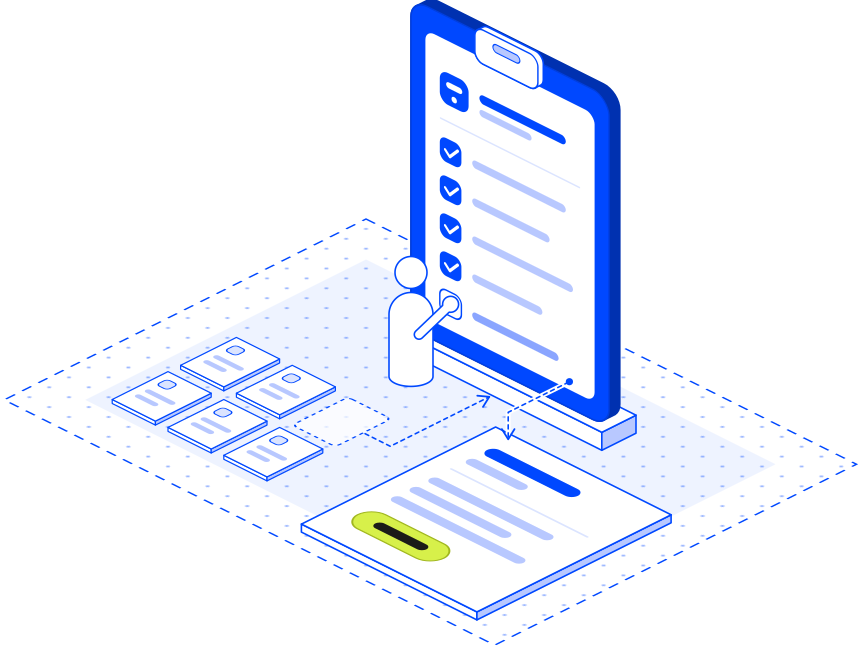
AI product checklists for features in your product
AI feature readiness checklist: agree what the AI may do before launch
The AI Product UX Readiness Check takes one AI use case through what the AI may do, what users can inspect and how mistakes get handled. You leave with the open questions and the tests to bring to your next product review.
Best for
One AI feature before you build or launch it
You leave with
Open questions, and the tests to run before launch
AI trust and control canvas: plan what people check, approve and undo
The AI Trust and Control Canvas follows one AI output to the action it can trigger. It ends in a short brief listing what people can check, approve and undo before that action happens.
Best for
One AI output that can change a record, send a message or start an action
You leave with
A control brief your designer and engineer can build from
With both questions on the table, start with the readiness check. The canvas then goes deeper on the output that could do the most harm.
Both are written for AI that acts as well as suggests. They stay useful as a feature takes on more authority, from a drafted reply to an agent that changes records on its own.
Product team worksheets for components, rebuilds and prototypes
Four more worksheets, for shared components, established products and prototypes heading into a build. Each row says when to open it.
Design system worksheets for shared components and their states
Design system drift checker: trace one component from Figma to production
The Design System Drift Checker follows one component through Figma, Storybook (where coded components are previewed) and the live product. It records the differences you found, their likely causes and who can close each one.
Best for
A shared component that looks or behaves differently in one product
Bring
The design file, the coded component and a running product that uses it
You leave with
The differences, their likely causes and who can close each
Figma to Storybook checklist: test each component in every state
The Figma to Storybook Fidelity Checklist tests a component beyond its looks: keyboard paths, empty and error states, and buttons pressed twice. The result is a list of corrections someone else can check.
Best for
Signing off one component in every state
Bring
The Figma design and the matching Storybook story
You leave with
Corrections, each with an owner and a repeatable check
When a tool raises a question that needs eyes on your product, one of our audits takes it from there. Or talk to us.
Questions about free product design checklists
Where can I find free product design checklists?
Tcules publishes six free product design checklists, listed on this page. Each is built around one question a product team faces and ends in a brief you can download and share.
Is there a free worksheet to check whether an AI feature is ready?
Yes. The AI Product UX Readiness Check takes one AI use case through what the AI may do, what users can see and check, and how mistakes get put right. For the output that could do the most harm, follow it with the AI Trust and Control Canvas.
Which template helps decide between redesign and rebuild?
The Audit, Redesign, Modernise or Rebuild worksheet. It compares at least two routes for one part of your product, counts the cost of moving from old to new, and ends with the next test to run before you commit.
Are there free tools to check design system drift?
Two. The Design System Drift Checker follows one component through Figma, Storybook and the live product to find where differences start. The Figma to Storybook Fidelity Checklist tests one component in every state, so open it first when the question is whether the component itself is right.
Do the tools need a sign-up or access to our files?
Neither. You type your answers into the page and download the result as a brief. The tools never ask for your design files, code or product.